Switch networks
This guide will walk you through the process of changing networks on Terra. You may interact with the Terra mainnet, classic, testnet, and LocalTerra networks.
-
Open Terra Station and connect your wallet.
-
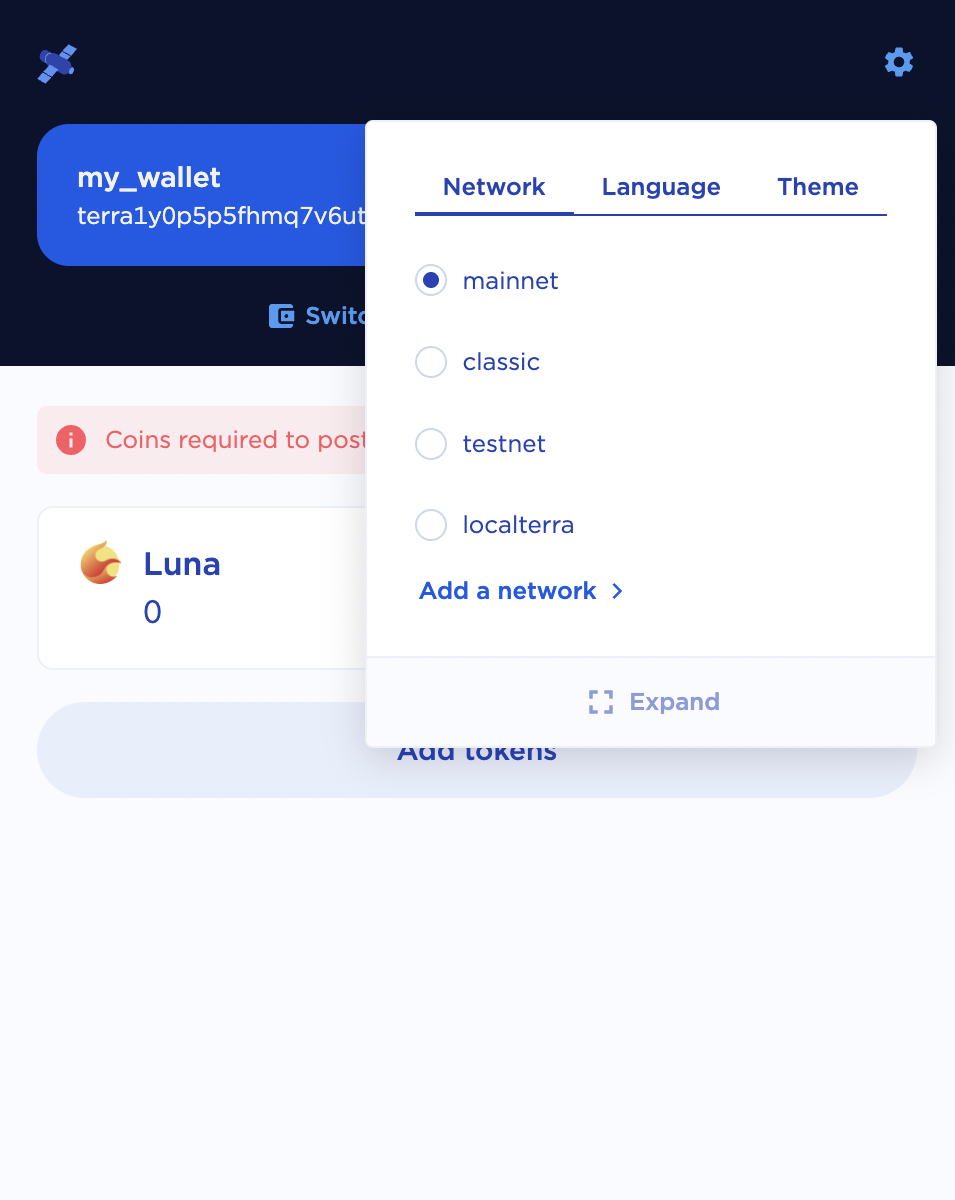
Click the settings icon in the upper right-hand corner. In Terra Station desktop the settings icon is a globe, in the browser extensions the icon is a gear.
-
Navigate to the Network tab and select the network you would like to connect to.
💡LocalTerra for local development
If you are interested in local development on Terra, it is recommended to utilize the LocalTerra network. Please view the LocalTerra documentation for more information.